https://github.com/dockersamples/example-voting-app
GitHub - dockersamples/example-voting-app: Example distributed app composed of multiple containers for Docker, Compose, Swarm, a
Example distributed app composed of multiple containers for Docker, Compose, Swarm, and Kubernetes - dockersamples/example-voting-app
github.com
위 파일을 이용할 것이다.
여러개의 컨테이너를 다루는 작업을 진행해보자.

일일히 이미지를 만들어보자.


이미지가 이렇게 만들어졌다.

이 외에도 postgres와 redis 이미지도 만들자.
이 둘은 공식 이미지가 있기에 도커허브에서 다운받는다.


앞에서 만든 이미지도 컨테이너로 만들어보겠다.

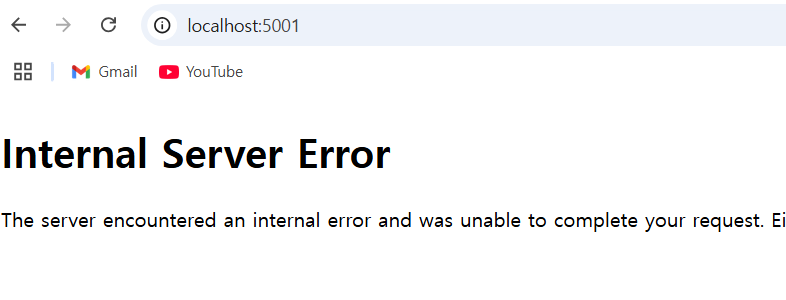
컨테이너를 실행하면 아래처럼 서비스는 잘 띄워진다.
하지만 컨테이너간 서로 통신이 되지는 않는다.

이를 확인해보기 위해 ping을 이용할 수 있다.
vote 컨테이너에 들어가서 redis를 찾아보지만 찾을 수 없다.

apt install iputils-ping

기존에 만든 컨테이너를 모두 지운다.

네트워크를 하나 만들자

도커를 이용해서 network를 연결해서 컨테이너를 만들었다.

아까는 redis를 찾을 수 없었지만 이젠 찾을 수 있다.

여러 개의 컨테이너를 한번에 사용하기 위해 docker-compose.yml 파일을 이용하자.
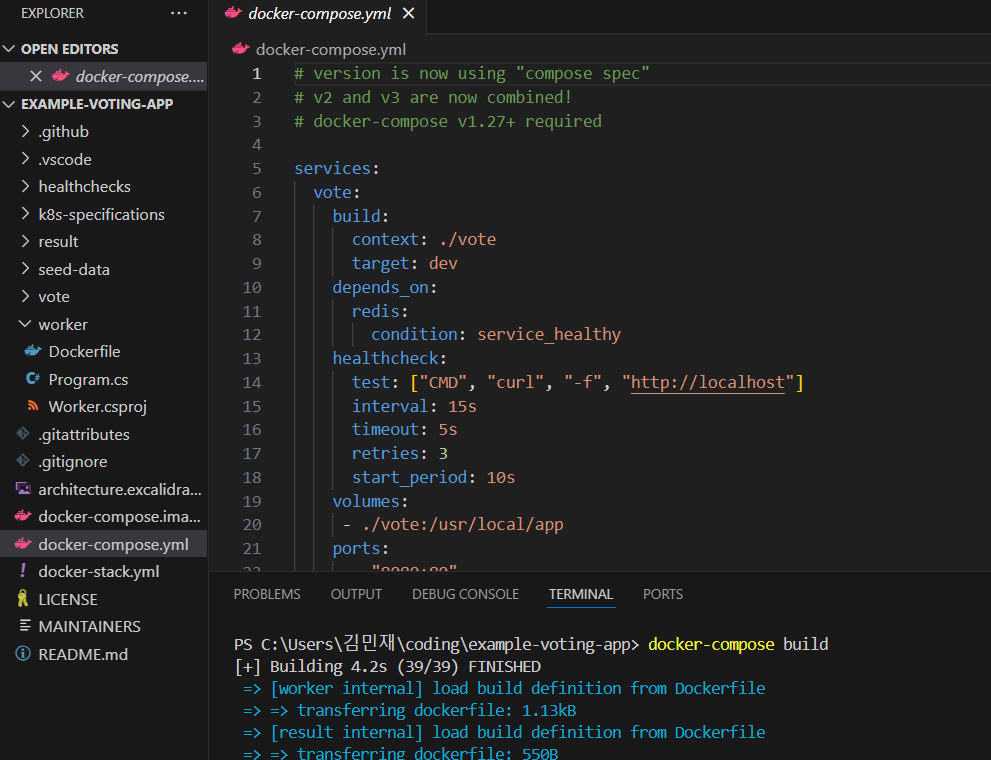
build하면 공식 이미지들은 다운받아지지 않는다.
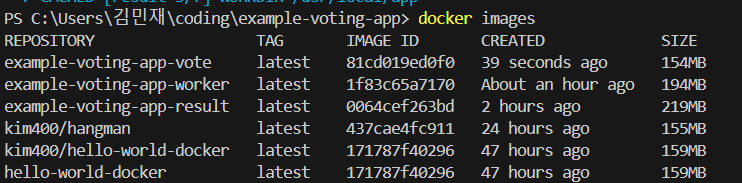
docker-compose pull로 공식 이미지들도 받을 수 있다.

postgres와 redis도 다운이 되었다.

up을 통해 한번에 모든 컨테이너를 실행시킬 수 있다.
docker-compose -f docker-compose.yml up

docker-compose up

down을 사용해서 컨테이너를 끌 수도 있다.

'도커' 카테고리의 다른 글
| 쿠버네티스-스프링 파드 만들기 (0) | 2025.05.11 |
|---|---|
| 쿠버네티스-쿠버네티스 설치 및 nginx를 파드로 띄우기 (1) | 2025.05.11 |
| 도커 Volume 사용해보기 (0) | 2024.11.17 |
| 도커로 웹서비스 띄우고 깃허브 Actions로 이미지 관리하기 (0) | 2024.11.15 |
| mySQL 서버 도커로 실행하기 (0) | 2024.11.15 |


